OpenClaw Skills
OpenClaw Skills Directory | OpenClaw Scripts & Plugins Library
Categories
Professions
Pricing
Free
What is OpenClaw Skills?
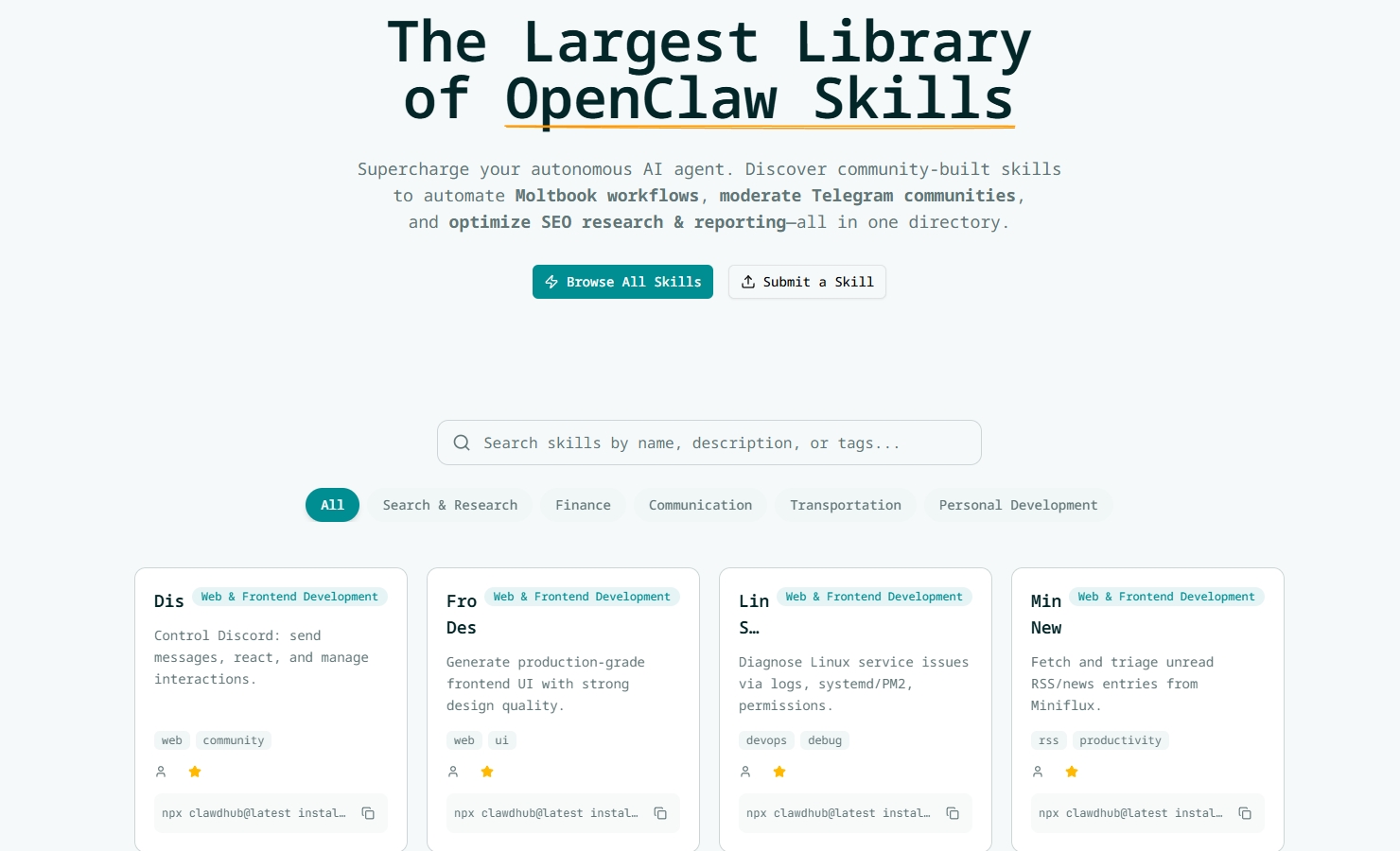
Download free OpenClaw skills and scripts to extend your autonomous agent—Moltbook automation, Telegram moderation, SEO workflows, and crypto analysis. Browse popular skills with clear install steps and developer resources.
Features
- Extend Agent Capabilities Add powerful new abilities to your OpenClaw agent without modifying the core engine. Community-Driven Browse hundreds of community-contributed skills, tested and verified for reliability. Node.js & Python Support Write skills in your preferred language with comprehensive SDK documentation. Easy Installation One-click install or simple command-line setup to get skills running instantly.
Use Cases
- How to Install Custom Skills in OpenClaw Follow these simple steps to get started with any skill. 1 Download the Skill File Browse the directory and download the .json or .js skill file (or the latest release package) you want to use. 2 Locate Skills Folder Open your local OpenClaw installation directory and find the /skills (or /plugins) folder. If your setup differs, follow your OpenClaw config/docs. 3 Import the Script Move the file into the skills/plugins folder. If you run OpenClaw in Docker, make sure the folder is volume-mounted so changes persist. 4 Restart & Verify Restart OpenClaw and verify the skill loads correctly. Use the built-in skill listing command (e.g., /skills) or check logs for errors.